Discover Your YouTube Viewing Habits
Upload your YouTube watch history and get personalized insights into your viewing patterns. No login required, and your data never leaves your browser.
Upload Your Watch History
Simply upload your watch-history.json file from Google Takeout to visualize your YouTube viewing patterns.
Drop your file here
or browse to upload
Powerful Insights
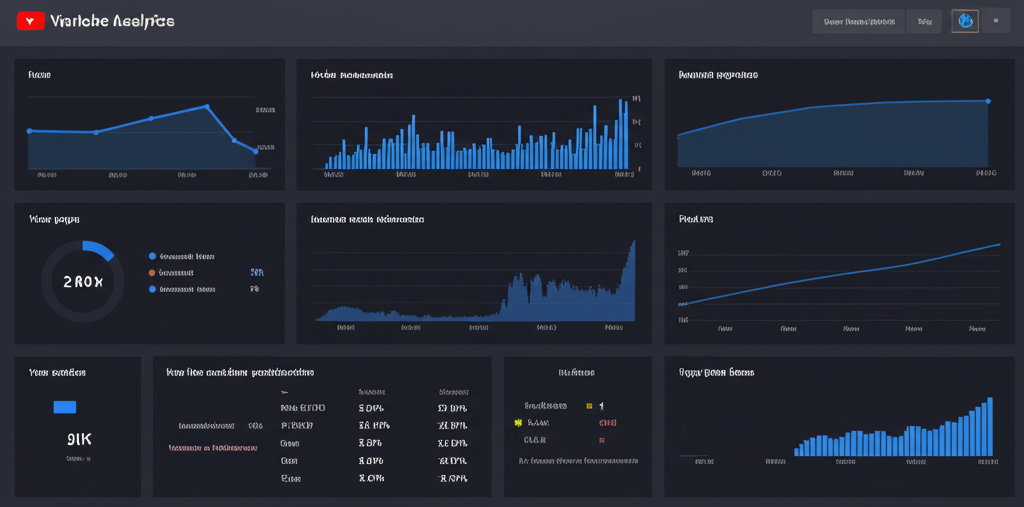
Discover patterns in your YouTube viewing history with our comprehensive analytics.
Visualize daily, weekly, and monthly viewing patterns with interactive charts.
Discover your peak viewing hours and how your habits have evolved over time.
All processing happens in your browser. We never store or transmit your watch history.
How It Works
Our tool makes it easy to visualize your YouTube viewing history in just a few steps.
Export Your Data
Download your watch history from Google Takeout
Upload the File
Drop your watch-history.json file into our tool
Explore Insights
View interactive charts and discover your viewing patterns
How to Export YouTube History
Follow these steps to download your YouTube watch history from Google Takeout.
- 1Visit Google Takeout and ensure you're logged into the correct Google account.
- 2In the product list, deselect all items, then select only "YouTube and YouTube Music".
- 3Click the "All YouTube data included" button next to "YouTube and YouTube Music".
- 4In the pop-up options, deselect all items, keeping only "history" checked.
- 5Click "OK", then scroll to the bottom of the page and click "Next step".
- 6Choose your preferred export frequency, file type, and size. For a one-time export, keep the default settings.
- 7Click "Create export" and wait for Google to prepare your data (this may take a few minutes to several hours).
- 8Once ready, you'll receive an email. Click the download link in the email.
- 9Download and unzip the file.
- 10In the extracted folder, locate the
Takeout/YouTube and YouTube Music/history/watch-history.jsonfile.
Frequently Asked Questions
Common questions about our YouTube History Visualizer.
Yes, all processing happens directly in your browser. We never store, transmit, or have access to your watch history data.
No, this tool is completely account-free. Simply upload your watch history file and start exploring your data.
The data goes back as far as your Google account has been tracking your YouTube watch history. For many users, this could be several years.
Yes, you can download or screenshot the charts and insights from the dashboard after uploading your data.